Billing & Subscriptions
Manage your church's subscription plans, payment methods, invoices, and donation settings in one unified billing dashboard.
Billing & Subscriptions
The Billing & Subscriptions app is your centralized hub for managing all financial aspects of your 1st Flock account. Whether you're viewing subscription details, updating payment methods, reviewing invoices, or configuring your donation page, everything you need is available in one professional, easy-to-navigate interface.
Who Can Access This App
Only Church Administrators have access to the Billing & Subscriptions app. If you're a church staff member without administrator privileges and need to view billing information, contact your church's primary administrator.
What You Can Do Here
Manage Your Subscriptions — View your current plans, explore available products and add-ons, upgrade or downgrade your tier, change your billing interval between monthly and annual (with annual discounts), and handle subscription cancellations and reactivations.
Handle Payment Methods — Add credit cards (Visa, Mastercard, American Express, Discover) and bank accounts for ACH payments. Set primary and backup payment methods, manage billing addresses, and rest assured that your card information never touches 1st Flock servers thanks to our PCI-compliant tokenization.
Review Invoices — Access your complete invoice history, preview upcoming charges, download PDF invoices for your records, and review detailed payment history. If a payment fails, you can retry it directly from the invoices page.
Configure Your Donation Page — Complete the merchant onboarding process, set up your donation slug (custom URL for your giving page), customize colors and logos, define funds for targeted giving, and monitor your merchant capabilities as they activate.
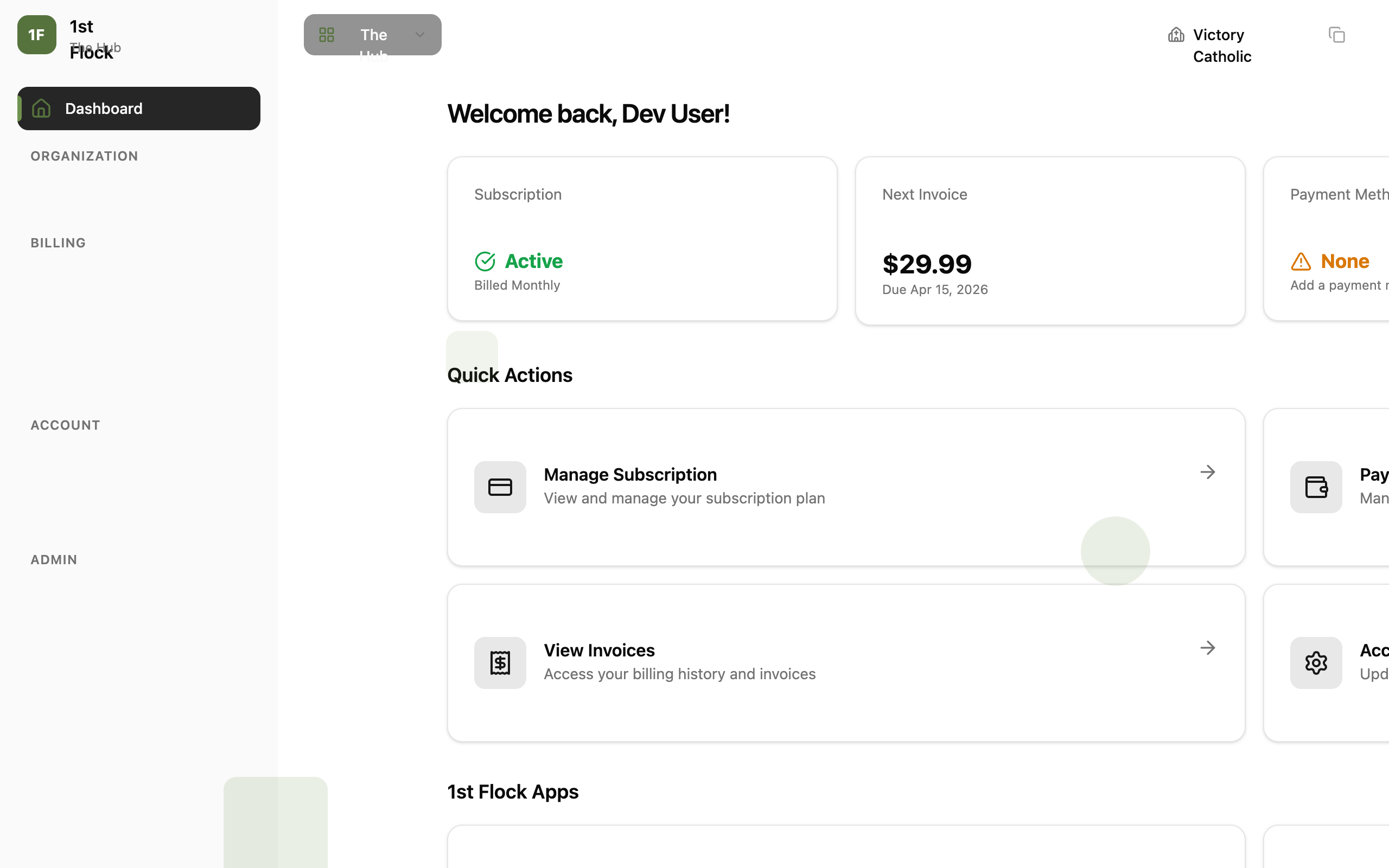
Navigation Overview
The sidebar menu guides you through all major sections. Start with your Subscriptions to see your current plans, then move to Payment Methods to ensure you have valid payment options on file. Check Invoices for billing history, set up your Donations page if you haven't already, and use Settings to manage your personal preferences and account security.
Quick Tips
Review your Upcoming Invoice page regularly to stay informed about charges before they're processed. If you're planning a subscription change (upgrade, downgrade, or interval switch), the app will show you a proration preview so there are no surprises. Keep at least one backup payment method on file to ensure uninterrupted service if your primary card fails.
If you have questions about billing, feature availability, or need help with a specific transaction, our support team is here to assist. Visit the Help Center or contact support@1stflock.com.